Logging Meals & Drinks
The Food tab is where you record everything you consume—meals, drinks, supplements, and medications. Quick, consistent logging is the foundation for finding patterns.
How to Log
- Tap the Food tab
- Tap the + button
- Describe what you had
- Select the type
- Review tags (see below)
- Tap Save
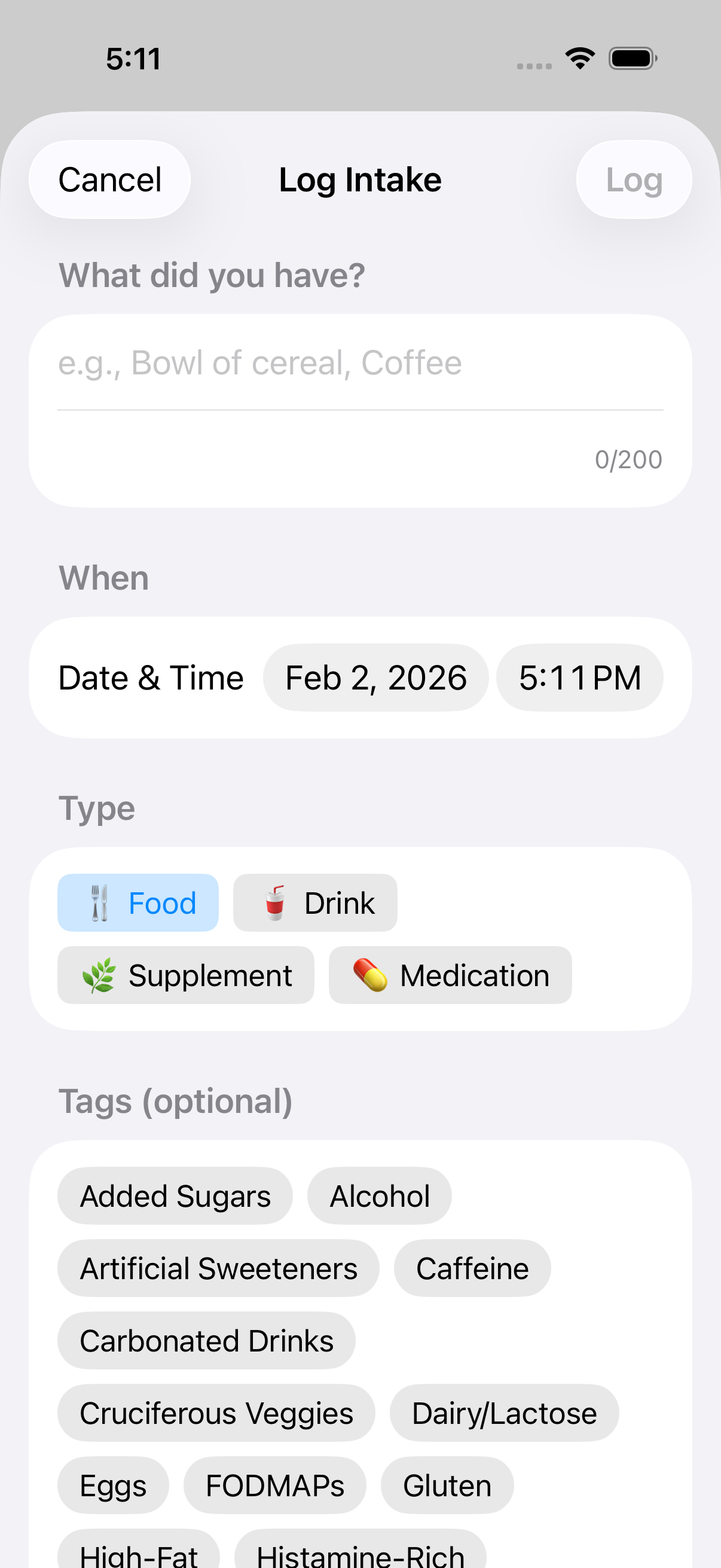 The meal entry form with description field and type options
The Four Types
| Type | Examples |
|---|---|
| Food | Breakfast, lunch, dinner, snacks |
| Drink | Coffee, tea, water, juice, alcohol |
| Supplement | Vitamins, probiotics, fiber, herbal supplements |
| Medication | Prescriptions, pain relievers, antacids |
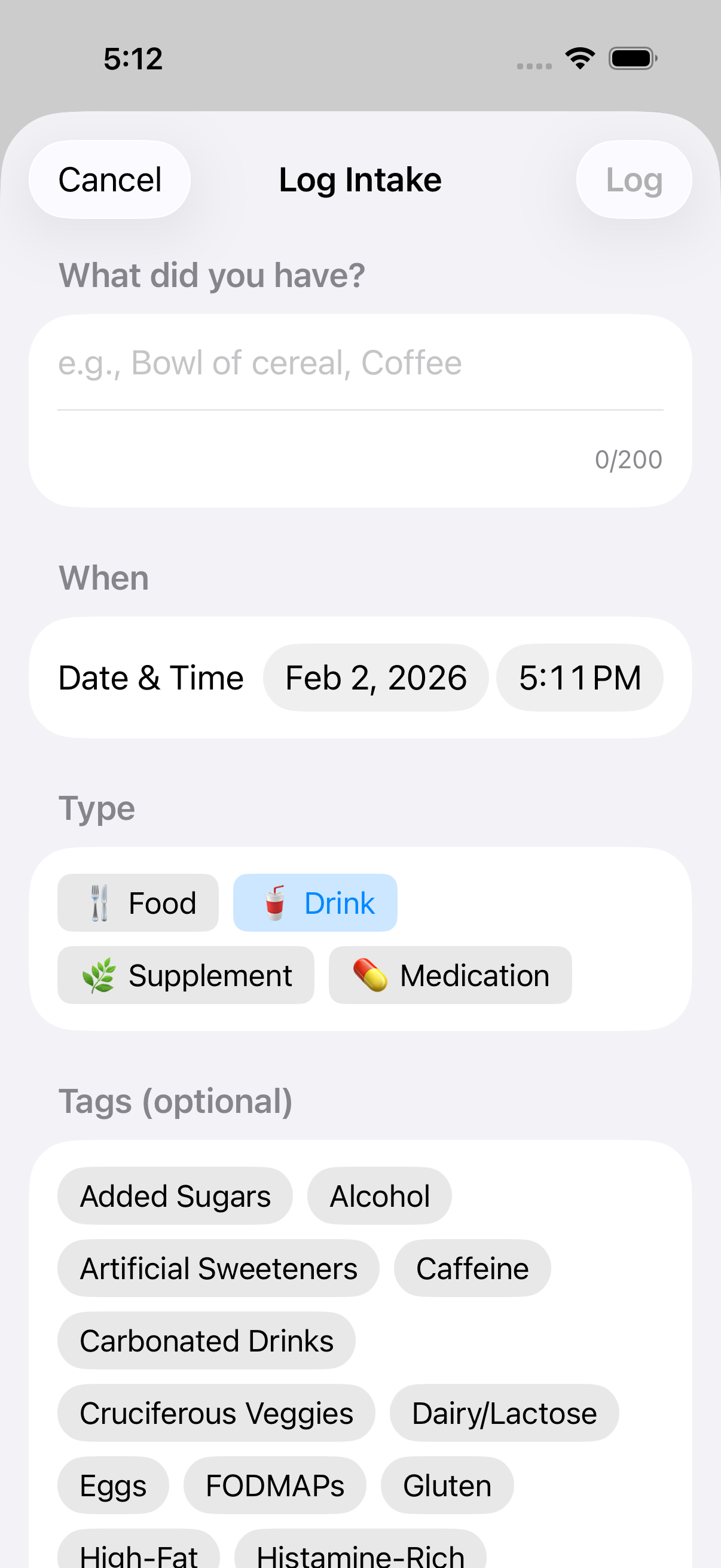 Selecting the Drink type for beverages
Writing Good Descriptions
Be specific enough to be useful later, but don't overthink it.
Good examples: - "Coffee with oat milk" - "Chicken salad sandwich" - "Greek yogurt with berries" - "Glass of red wine"
Too vague: - "Lunch" (what did you eat?) - "Snack" (what kind?)
Overly detailed (not necessary): - "Exactly 237ml of 2% milk with 15g of Cheerios brand cereal"
You're building a log you can look back on, not a nutrition database.
Suggestions
As you type, Intestigator suggests items you've logged before. Tap a suggestion to quickly reuse it. This makes logging repeat meals much faster.
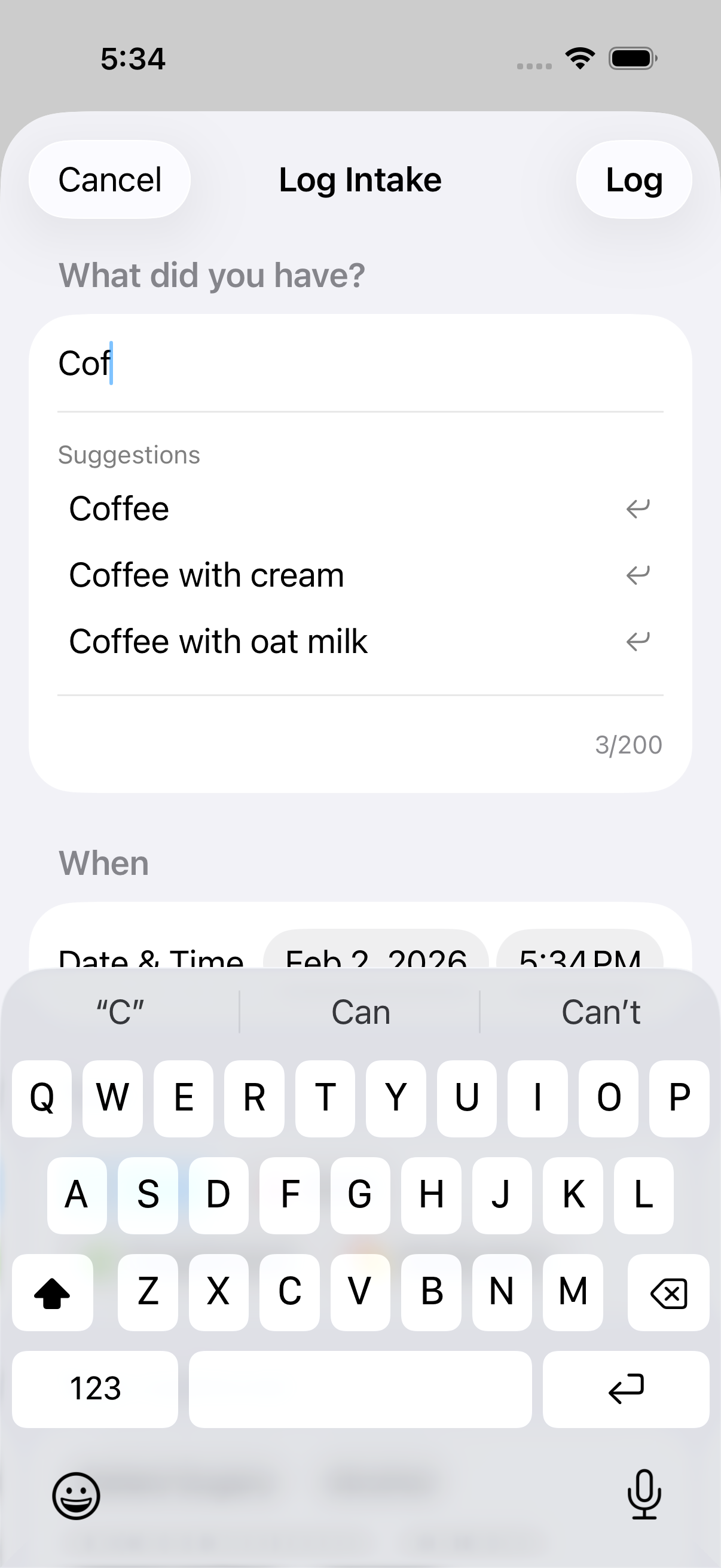 Autocomplete suggests your previous entries for faster logging
Editing and Deleting
Made a mistake? From the Food tab: - Tap any entry to view details - Tap Edit to change it - Tap Delete to remove it
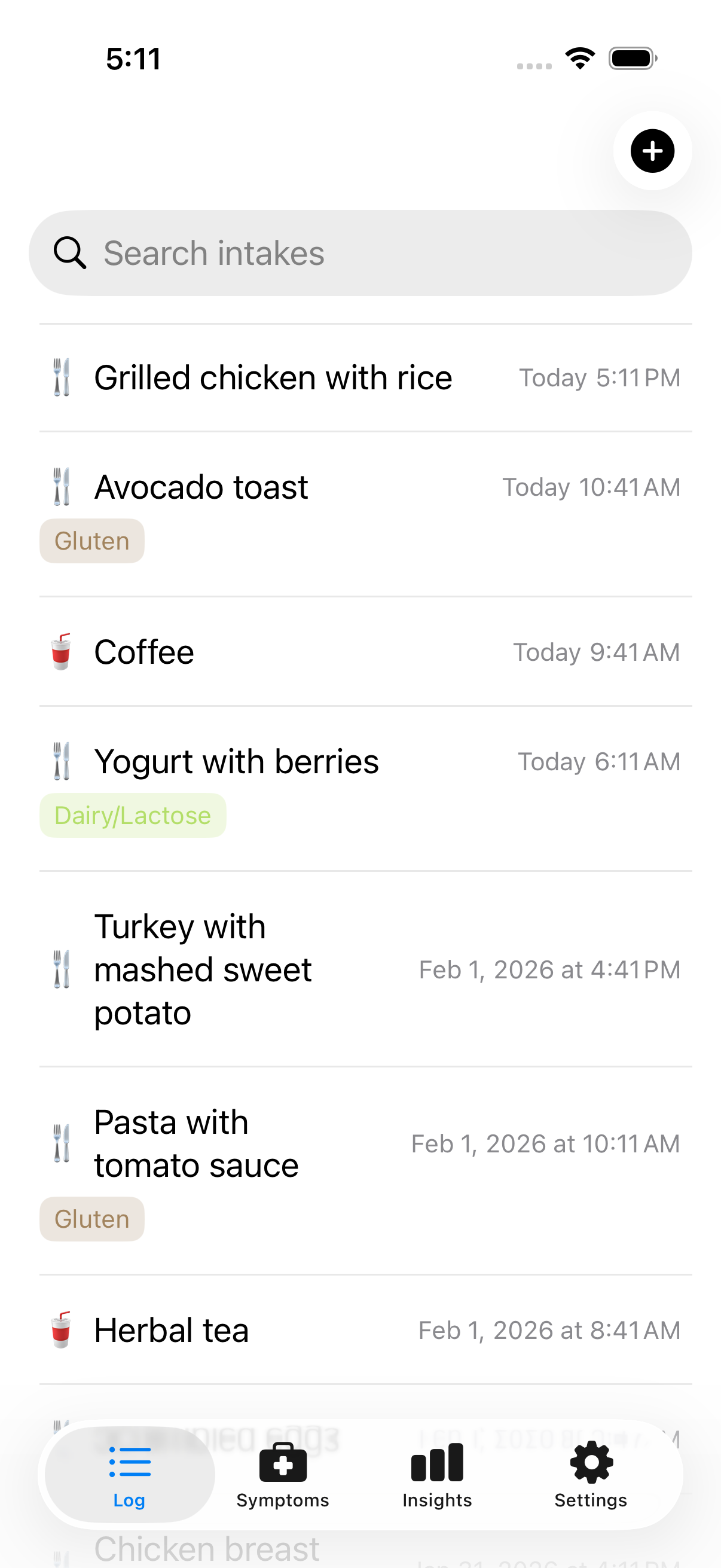 Your food log shows all entries in chronological order
Timing
Entries are saved with the current time by default. If you're logging something from earlier (like yesterday's dinner), tap the time to adjust it.
Accurate timing matters because Intestigator looks at how long after eating your symptoms appear.
Next: Learn about Logging Symptoms.