Insights Overview
The Insights tab is where Intestigator shows you patterns in your data—connections you might not notice on your own. This is the payoff for consistent logging.
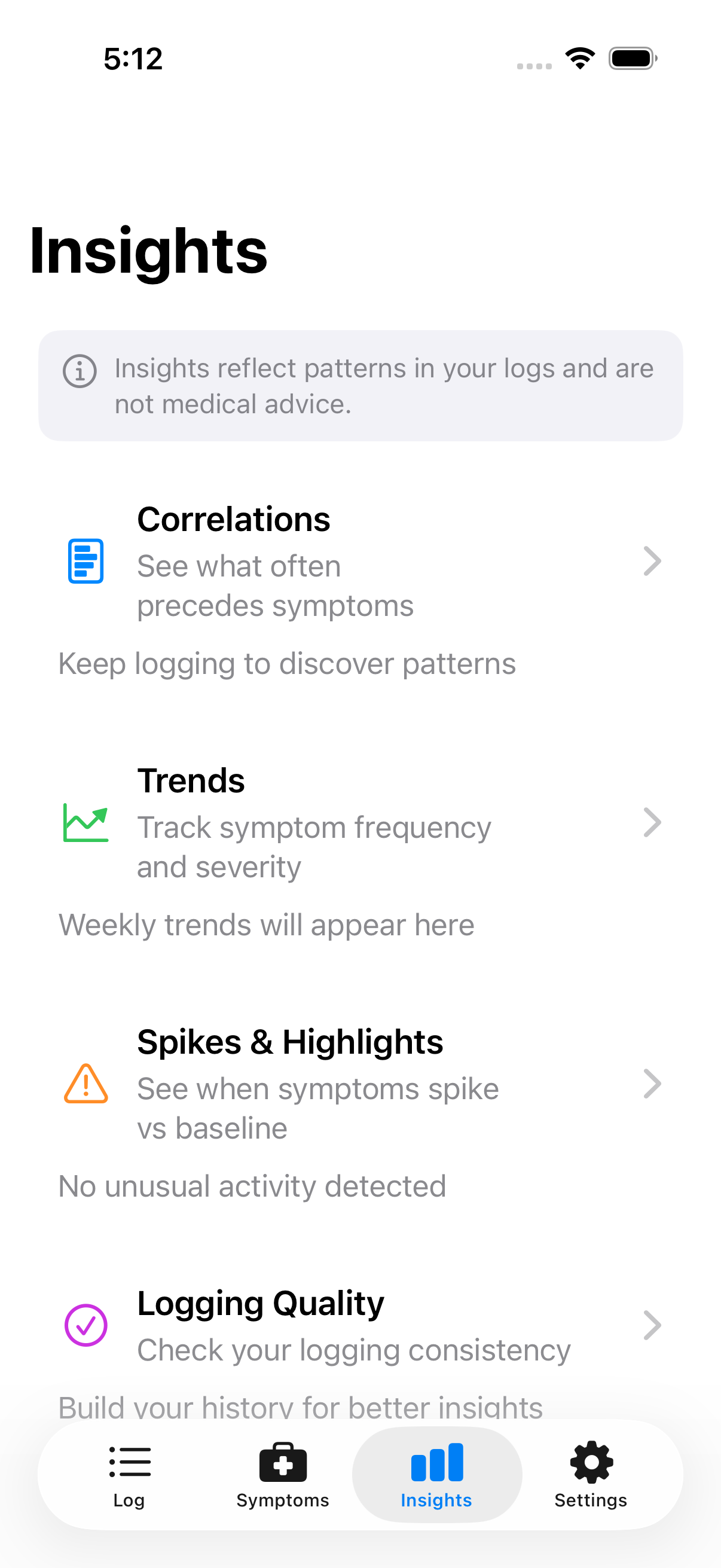
The Insights tab provides access to all analysis features
Types of Insights
| Insight | What It Shows |
|---|---|
| Correlations | Foods/drinks that often precede symptoms |
| Trends | How symptom frequency and severity change over time |
| Spikes | Weeks when symptoms were unusually high |
| Logging Quality | How consistently you've been logging |
How Patterns Are Found
When you log a symptom, Intestigator looks back at what you ate in the hours before. Over time, if a food category frequently appears before a symptom, that pattern gets surfaced.
Example: You've logged dairy 10 times this month, and bloating followed 7 of those times. Intestigator shows: "Bloating often follows dairy."
When Insights Appear
Insights need data. You won't see much at first:
- Days 1–7: Limited or no insights—keep logging.
- Weeks 2–3: Early patterns may appear.
- Week 4+: More reliable patterns emerge.
"Not enough data yet" is normal early on. Keep logging—the more data Intestigator has, the better it can spot patterns.
Reading Your Insights
Each correlation shows: - What — The food category and symptom - How often — How many times this pattern occurred - Timing — Typical delay between eating and symptoms - Confidence — Based on sample size
Tap any insight to see the actual meals and symptoms behind the pattern.
What Insights Mean
Insights are observations, not diagnoses. "Bloating often follows dairy" means this pattern exists in your data—worth paying attention to and possibly discussing with your doctor.
It doesn't mean dairy definitely causes your bloating or that you should stop eating it. Your body is complex. Insights give you starting points for investigation, not final answers.
Next: Learn about Correlations in detail.