Your First Steps
Getting started with Intestigator takes just a few minutes. Here's what to do.
When You First Open the App
You'll see a welcome screen explaining how Intestigator works. Read through the tips, choose whether to enable reminders, or skip ahead if you're eager to start. You can revisit this information later in Settings.
The Four Tabs
Intestigator has four main sections at the bottom of the screen:
| Tab | What It's For |
|---|---|
| Food | Log meals, drinks, supplements, and medications |
| Symptoms | Log digestive symptoms when they happen |
| Insights | See patterns Intestigator has found in your data |
| Settings | Adjust preferences, sync, and export data |
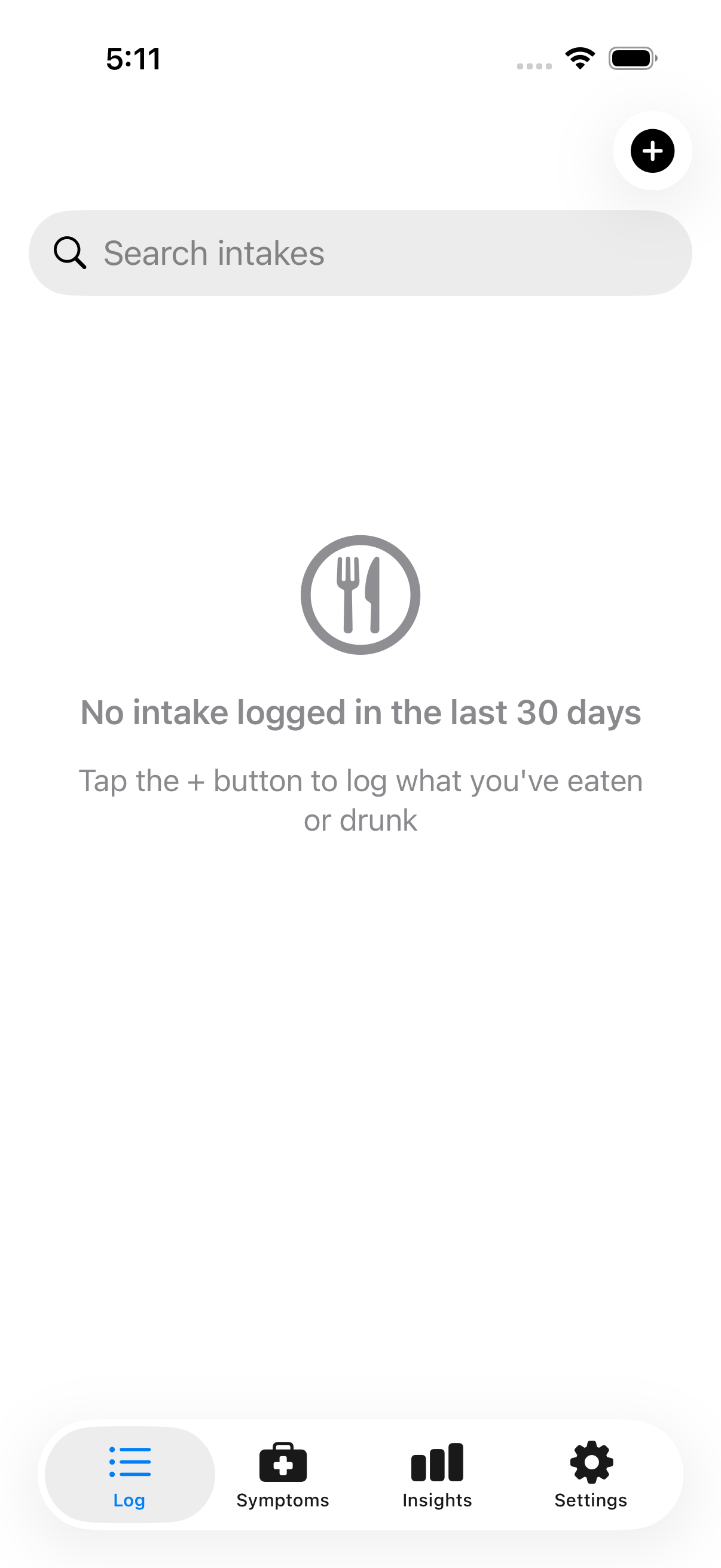 The bottom navigation provides quick access to all app sections
Log Your First Meal
- Tap the Food tab
- Tap the + button
- Type what you had (e.g., "Coffee with milk" or "Eggs and toast")
- Select the type (Food, Drink, Supplement, or Medication)
- Select any tags that apply
- Tap Save
That's it! The entry is saved with the current time.
Log Your First Symptom
- Tap the Symptoms tab
- Tap the + button
- Select which symptom(s) you're experiencing
- Rate the severity (1 = mild, 5 = severe)
- Add notes if helpful (optional)
- Tap Save
What to Expect
- First few days: Focus on logging. Insights need data to work with.
- After 1–2 weeks: Early patterns start appearing.
- After 3–4 weeks: Patterns become more reliable with more data.
Consistency is key. You don't need to log every single thing, but the more complete your data, the better your insights.
Reminders
If you enabled reminders during setup, you'll get gentle nudges to log throughout the day. Adjust the frequency or turn them off in Settings.
Next: Learn more about Logging Meals & Drinks.