Intestigator User Guide
Welcome to Intestigator! This guide helps you get the most out of the app.
What is Intestigator?
Intestigator helps you discover hidden patterns between what you eat and your digestive symptoms. If you've wondered "why do I keep getting bloated?" or "what's causing these stomach issues?", Intestigator can help.
How it works: You log meals, drinks, and symptoms. Intestigator analyzes your data to surface patterns you might miss—like "bloating often follows dairy within a few hours."
Why it matters: These patterns help you have informed conversations with your doctor and make better food choices.
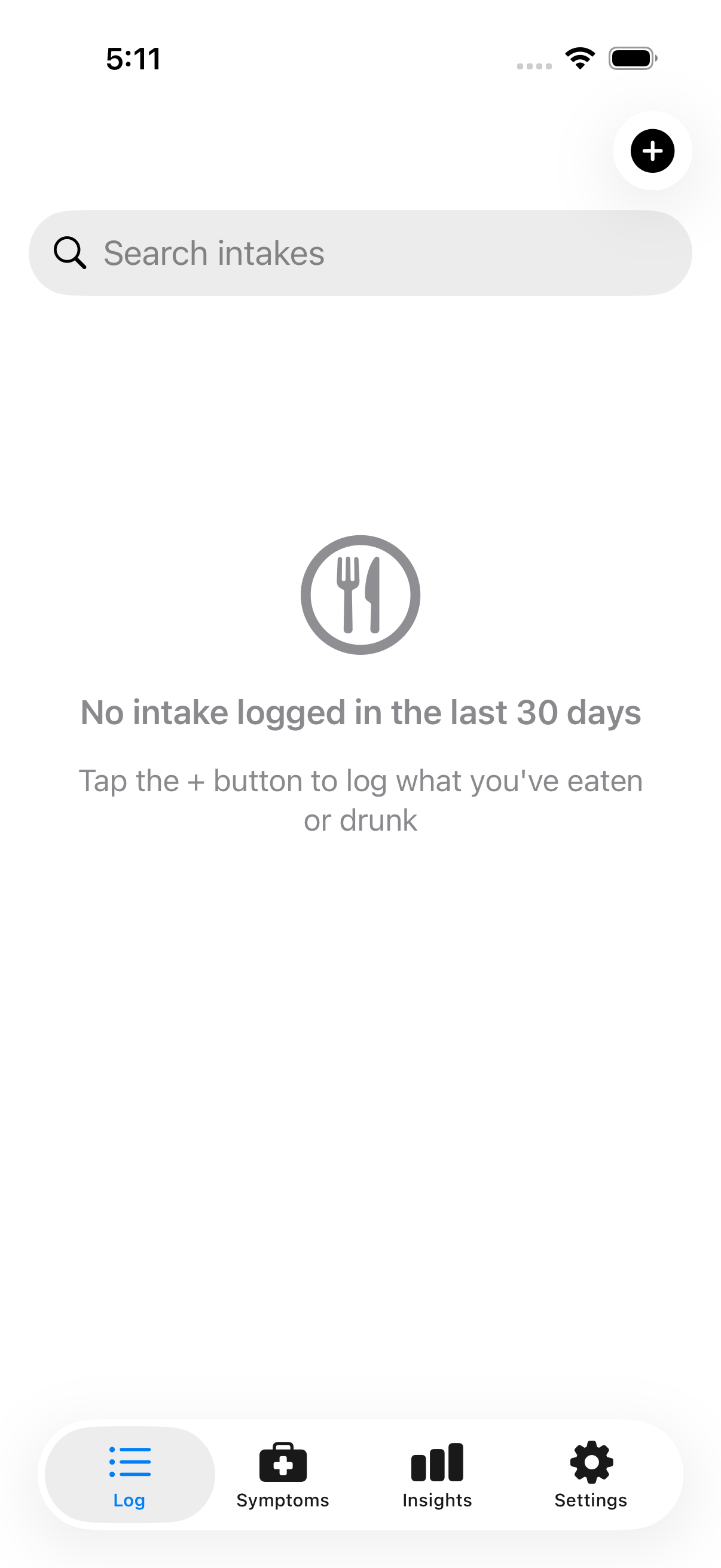 The Intestigator app helps you track food and symptoms
Guide Contents
Getting Started
- Welcome to Intestigator — What the app does and how it helps
- Your First Steps — Setting up and logging your first entries
Logging Your Data
- Logging Meals & Drinks — Recording what you eat and drink
- Logging Symptoms — Tracking digestive symptoms
- Tags & Ingredients — Categorizing foods to find patterns
- Tag Reference — What each tag means and why it matters
Discovering Patterns
- Insights Overview — How pattern discovery works
- Correlations — Finding connections between food and symptoms
- Trends — Viewing symptom patterns over time
- Spikes & Highlights — Spotting unusual activity
- Logging Quality — Tracking your logging consistency
Your Data
- iCloud Sync — Syncing across your devices
- Exporting Your Data — Creating reports to share with your doctor
- Privacy & Security — How your data is protected
Settings & Tips
- App Settings — Customizing your experience
- Tips for Best Results — Getting clearer patterns
Quick Start
- Log what you eat and drink — Use the Food tab to record meals, drinks, supplements, and medications
- Log your symptoms — Use the Symptoms tab when you notice digestive issues
- Wait 2–4 weeks — Patterns need time and data to emerge
- Check your insights — Visit the Insights tab to see what Intestigator has discovered
- Share with your doctor — Export your data to discuss patterns at your next appointment
Important Note
Intestigator shows you patterns in your own data. It does not diagnose conditions or provide medical advice. The patterns you see are observations to discuss with your healthcare provider, not conclusions about your health.